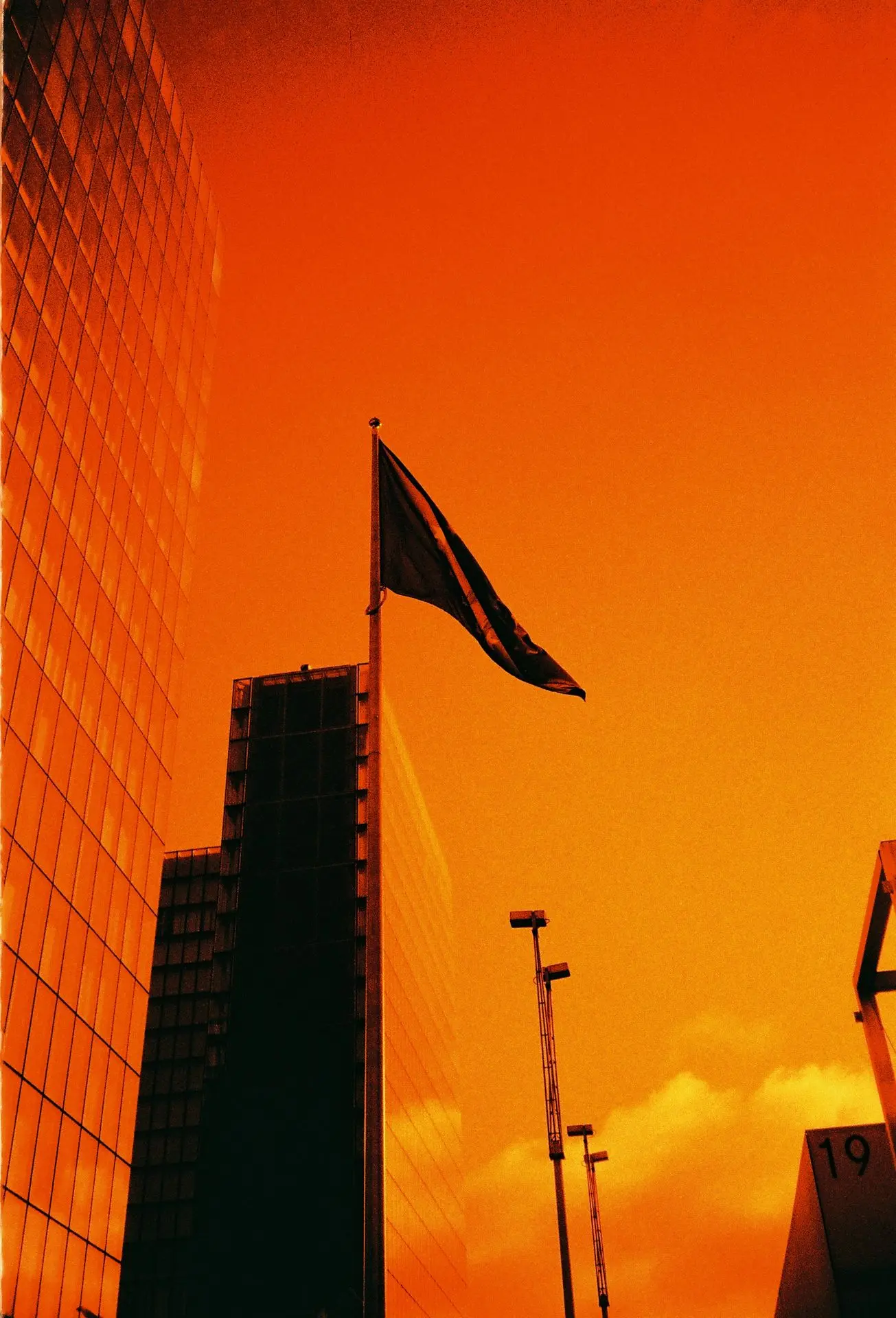
Harman RED 125
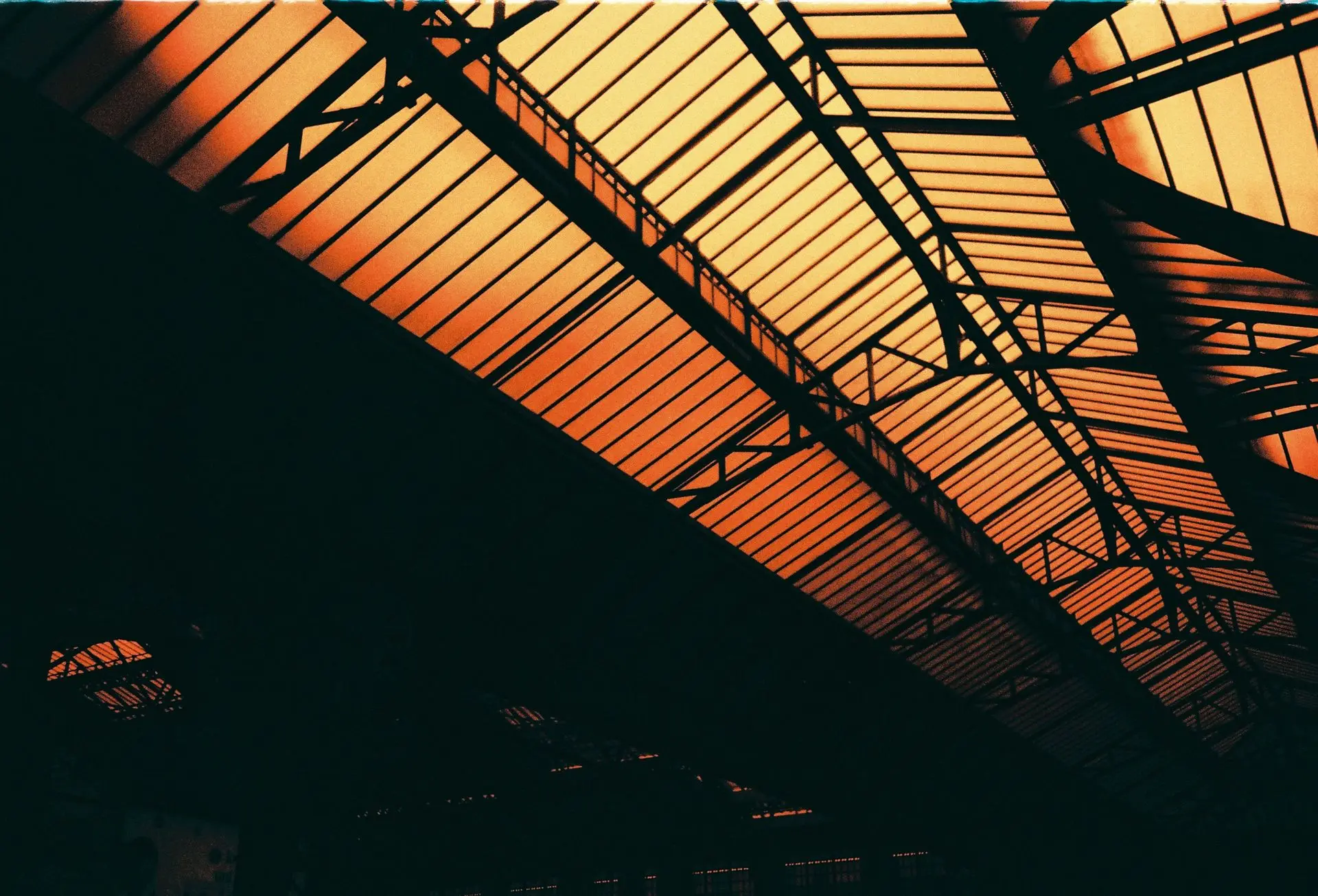
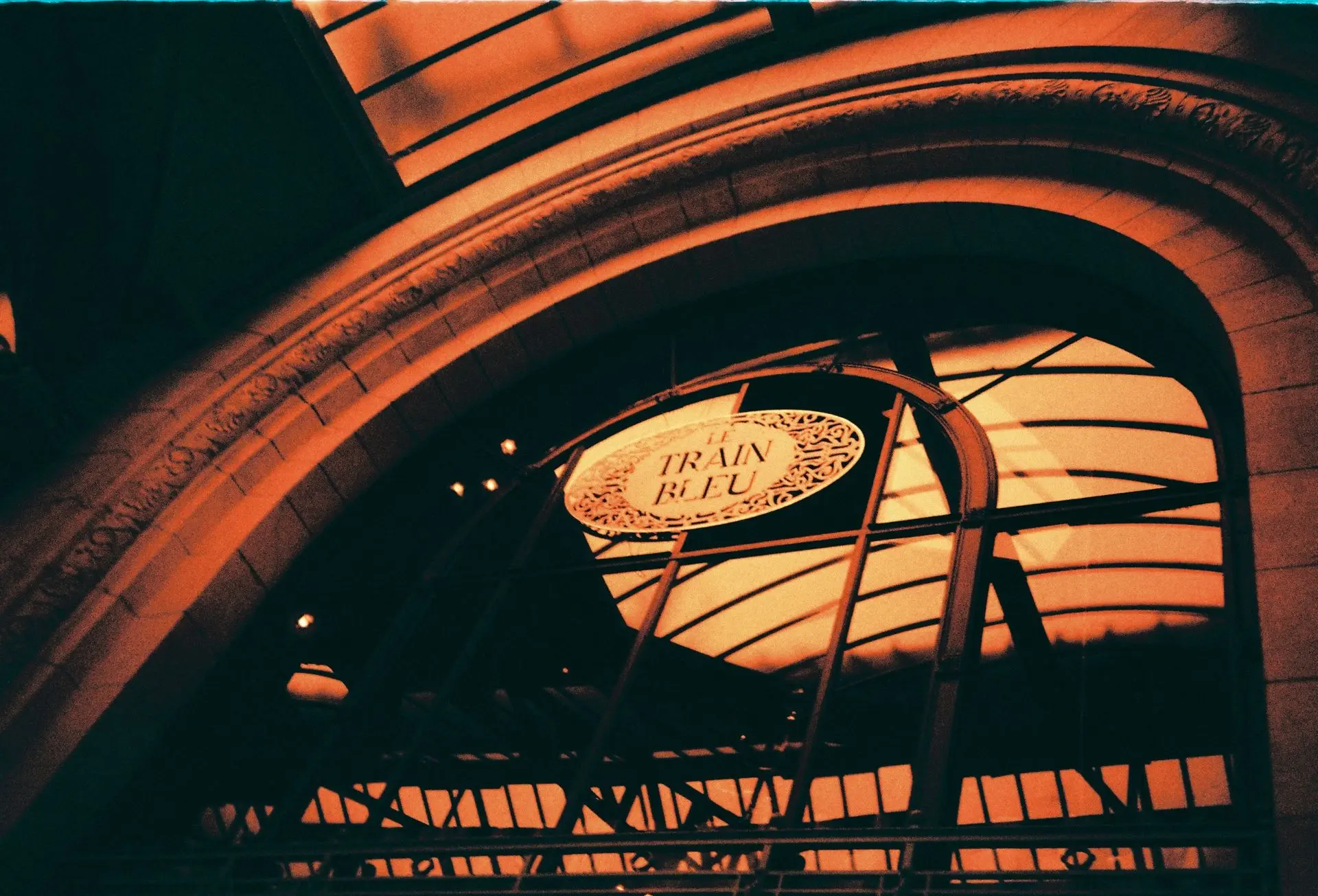
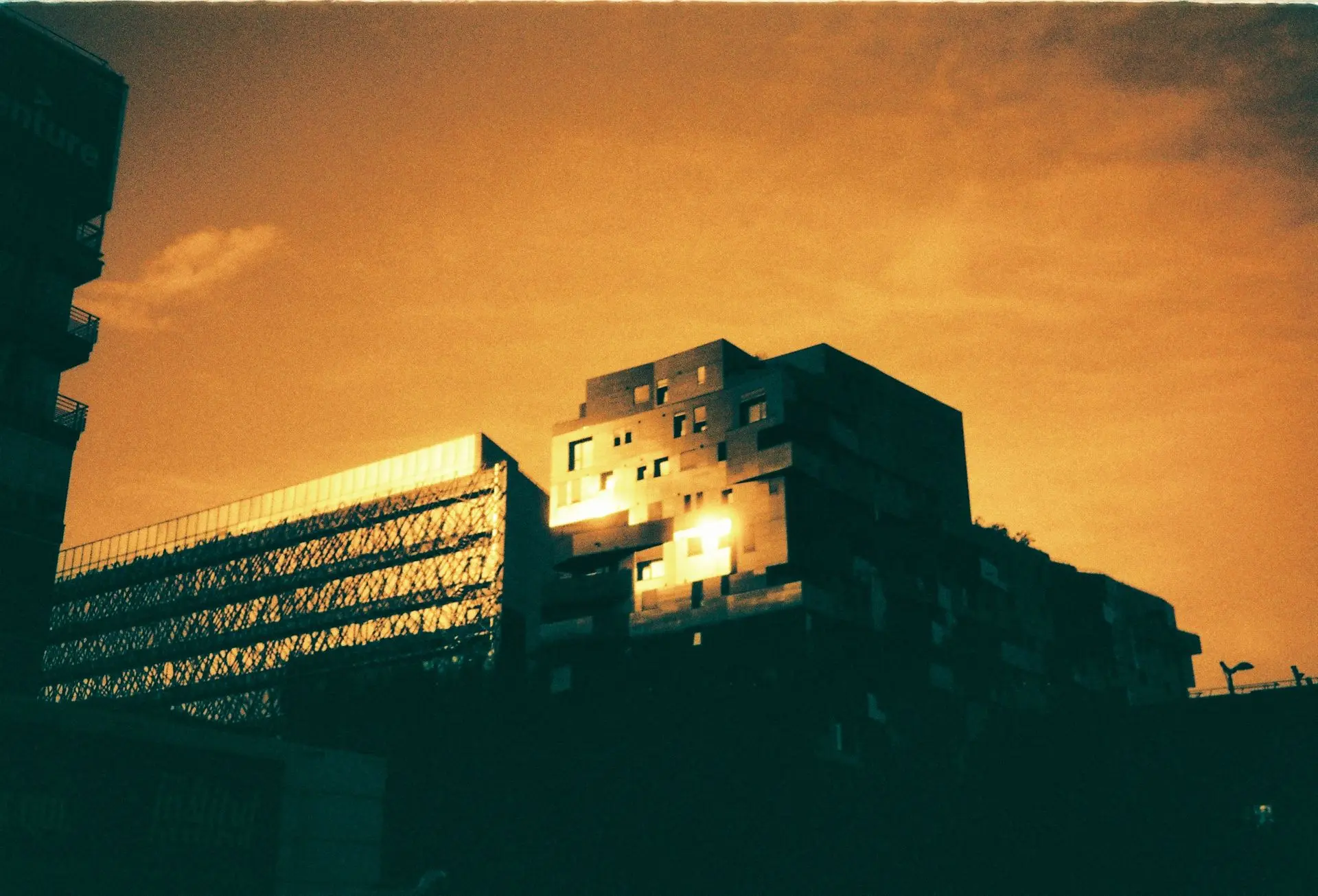
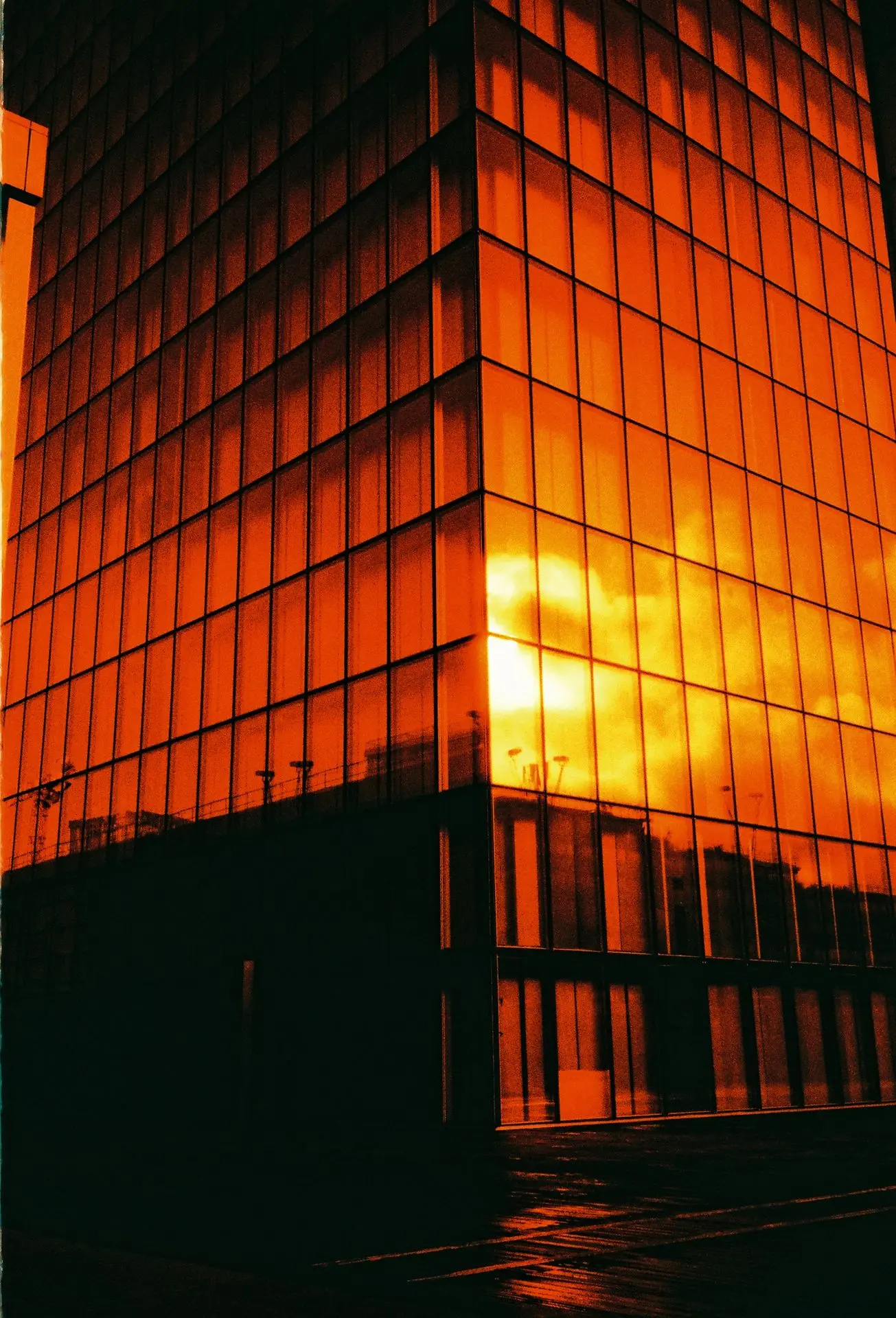
The world of analogue photography continues to be reborn with films that experiment with colours, effects, and light in a different way. Among these,Harman RED 125stands out as a “redscale” film — a reversed colour negative film (back side), which gives particular red-orange, yellow, and green hues. The other day, I tested this film, and here’s what I learned, liked, the limitations, and how to best use it.
What is “redscale”?
Before diving into the details, a quick reminder:
- “Redscale” means that you expose the film from its back side, so that light passes through the film base before reaching the light-sensitive layers (red, green, blue).
- In redscale, the blue layer is heavily attenuated, creating a dominance of reds, oranges, and yellows.
- It’s an artistic effect, less realistic, often used to give a “dystopian”, retro, warm, or simply experimental atmosphere.
The technical characteristics of Harman RED 125
| Feature | Detail |
|---|---|
| Brand | Harman Technology (Mobberley, UK) |
| Sensitivity | ISO125 |
| Format | 35 mm, 36 exposures. |
| Development chemistry | C-41 standard (colour negative) |
| Emulsion/base characteristics | · Baseclear– which helps to minimise speed loss due to the base. CineStill Film+1 · High sensitivity to red and green layers. · No anti-halation layer(anti-halation layer) — this can impact reflections or light halos. |
| Limited/special edition? | Yes — Harman RED 125 is presented as a 'limited' edition based on the Phoenix 200 emulsion, which is their new line of colour film. |
My impressions
Here’s what I noticed, what I like:
-
Evocative colours
The hues are heavily dominated by red, orange, yellow, and sometimes green in the shadows or in certain reflective objects. This creates a very particular atmosphere, which is well-suited for portraits, urban scenes, or environments where red can highlight a strong mood. -
Interesting contrast
Without an anti-halation layer, strong lights can cause halos or 'light leaks', which adds to the charm, but it requires careful control of exposure in the highlights. Dark areas can lean towards green or black depending on the light composition. -
Simplified use
As this is a standard colour negative film (C-41), there is no exotic procedure: you expose it, you develop it like a 'normal' colour film. This allows it to be integrated into your workflow with fewer complications. -
Very pronounced artistic effect
If you want a natural rendering, this is not the film for that. But if you want to experiment, create something a bit surreal, or play with light in an unconventional way, it is very strong.
Limitations and pitfalls to be aware of
As with any “special” film, there are compromises:
- As I was saying,no anti-halation layer: this can lead to unwanted reflections or stray lights in certain conditions. Care must be taken with side or back light sources.
- Thedynamic rangein the highlights is more limited than in a regular colour film — overexposures can quickly turn into crushed red or orange blocks.
- Effective sensitivity can sometimes be unreliable in redscale: even if the film is rated ISO 125, in certain conditions the loss of light through the base may require slight underexposure/overexposure to achieve the desired result.
- “Strange” colours: greens, blues (when they appear) will not be “true”. If there is a lot of blue in the scene, it may look “weird” or very red/yellow dominated.
- Limited availability: being a special edition, there is a risk of stock shortages or waiting for the 120 format (if it ever comes out) etc.CineStill Film+1
Usage tips
To get the best out of Harman RED 125:
-
Exposure
- Test with your camera: try one or two test exposures to see how it reacts in your lighting conditions.
- Plan to slightly underexpose if the sky is very bright or if you have very light areas.
-
Subject choice
- Scenes with lots of golden light, sunset, “red/gold” atmospheres: perfect.
- Urban at night, artificial lighting: a very good playground, the neon lights often create super interesting reflections and contrasts.
- Avoid scenes dominated by blue or very clear sky without clouds if you want a more "rich" rendering.
-
Development & scan
- Develop in standard C-41.
- During the scan, you can adjust the levels or the colour balance to modify the intensity of reds vs greens according to the desired effect.
- If scanning at home: be careful with the cleaning of the dust from the scan, as highlights can reveal defects.
-
Creativity
- Use filters or light accessories: play of shadows, backlighting, light coming through.
- Play with framing and composition to exploit natural contrasts.
- Think of thematic projects: emotions, warmth, seasonal contrasts, etc.
Visual examples / inspiration